
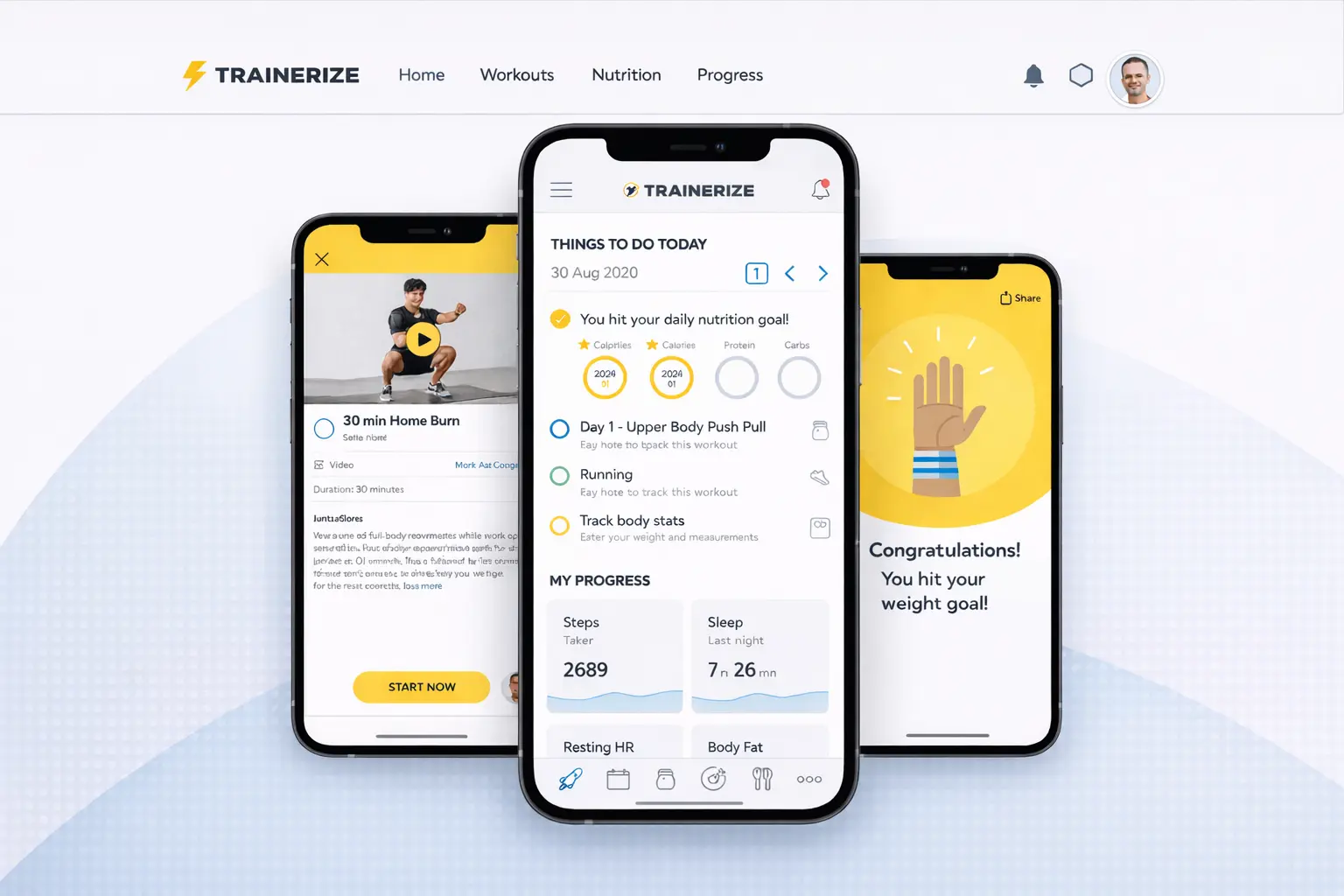
Trainerize is the app used to support your training between sessions. This guide explains what it does, how it helps, and what you can expect when using it.
Common concerns
Some people worry an app will feel complicated, but Trainerize is designed to be simple and clear. Others are concerned it will add pressure or constant notifications, yet it is used to support your pace, not rush you. It is also common to think you need to be confident with technology, but most features are straightforward and optional.
What this usually looks like in real life
You receive your sessions in the app with clear instructions and demonstrations. You might check off a workout when completed, make a short note about how it felt, or review upcoming sessions. Some people use it daily, while others only open it a few times a week.
Key points to keep in mind
The app supports your training, but it does not replace communication. You can use it as much or as little as helps you stay consistent. Progress is tracked to spot patterns over time, not to judge individual days.
When to ask for support
If something in the app feels unclear, help is available to walk you through it. Support is also useful if you prefer fewer notifications or want the app set up in a simpler way. Questions about workouts, progress, or scheduling can always be raised outside the app as well.
Trainerize is a tool to help keep your training organised and consistent, not something you need to master or use perfectly.
If you’re unsure what applies to you, a consultation can help you decide your next step.